Telematics & business software
Fleet telematics integration: connect GPS data to your CRM
A location on a map is only the beginning. A practical guide to connecting fleet data with the people, tools and decisions that keep your business moving.
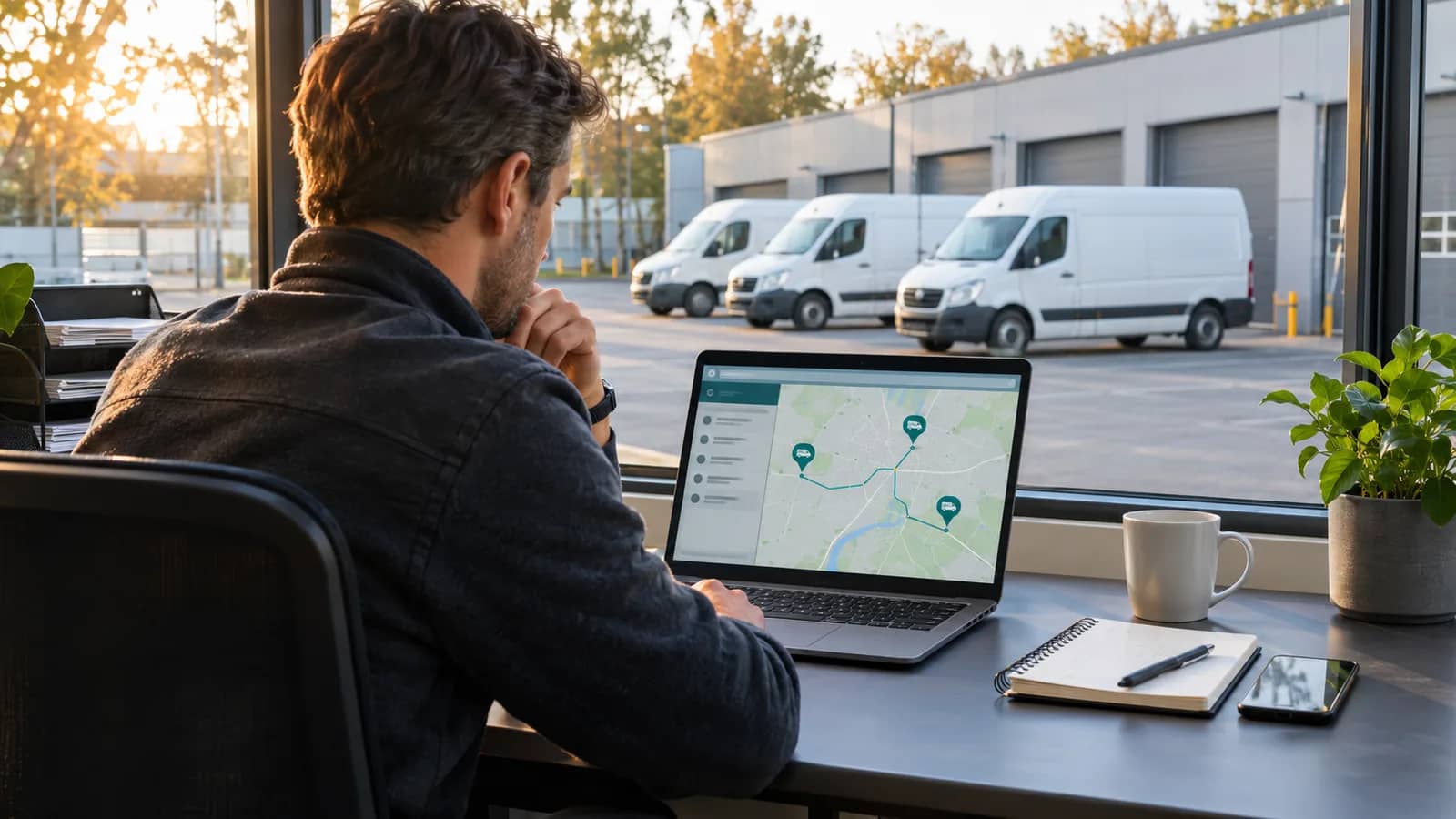
Fleet telematics integration connects vehicle location and operational events to the software a business already uses. Instead of keeping GPS information in a separate dashboard, it can bring relevant updates into a CRM, a dispatch tool or a custom management application.
The useful question is not how many data points you can collect. It is which decision becomes easier when the right person receives the right information. For a delivery business, that might be investigating an overdue stop. For a field service team, it might be assigning a nearby vehicle to an urgent job.
This guide explains how to scope that connection, where standard integrations are enough, and when custom software is worth considering.
Start with a workflow, not a dashboard
Choose one recurring operational problem before discussing screens or AI features. A vague goal such as “more visibility” is hard to deliver and harder to measure. A specific goal gives the project a boundary: dispatchers should be able to check whether the vehicle assigned to a job has reached the customer site, without switching systems.
Write down the current process, its owner, the systems involved and the action you want to change. Agree how you will measure the pilot: fewer manual lookups, less time reconciling records, or fewer unassigned exceptions. Record your starting point before rollout rather than promising an improvement percentage in advance.
A useful first release usually connects one source system, one destination and one operational team.
Decide which fleet data your business actually needs
Not every workflow needs continuous location updates. Depending on the telematics provider and hardware, the available information may include positions, journeys, geofence events, mileage or diagnostic signals. Confirm availability, update frequency and permitted use with the provider before making them part of your specification.
| Business question | Potential input | Useful destination |
|---|---|---|
| Has the assigned vehicle reached the site? | Geofence event and job assignment | Dispatch or service application |
| Which trips relate to this customer visit? | Journey timestamps and vehicle ID | CRM activity record |
| Which vehicles need a maintenance review? | Mileage or available diagnostic events | Maintenance queue |
| Why is a job still open? | Latest vehicle event and job status | Exception dashboard |
Treat a position as an observation with a timestamp. A vehicle shown on a map may have been offline since the last transmission. Display freshness clearly, and keep “unknown” distinct from “not arrived.”
Design the connection between GPS, CRM and management software
A practical integration usually has four parts: receiving data, mapping it to business records, applying workflow rules and making the result available to the team.
Receive events or request updates. Check whether the provider offers an API, webhooks or a supported connector. Webhooks can deliver events as they happen; scheduled requests may be sufficient for periodic reporting. Verify authentication, limits, available history and recovery options in the provider's documentation. Geotab's integration overview is one example of an established platform describing API and SDK access; it does not establish what another provider supports.
Map stable identifiers. A vehicle registration is useful to a person, but integration logic should use stable identifiers and an explicit mapping to vehicles, jobs and customers. Decide which system owns each record, including reassignment and vehicle replacement.
Make repeated events safe. Plan for duplicate notifications, delayed messages and temporary failures. Store a provider event ID or another suitable deduplication key, retry failed work within sensible limits, and give operators a way to review exceptions. A repeated arrival event should not create several CRM tasks.
Expose the result where work happens. Often, an existing CRM screen with a clear status is more useful than a separate application. Build a new interface when users need a workflow the existing tools cannot support.
A practical example: an arrival event that creates a review task
Consider a hypothetical service company with vehicles assigned to scheduled customer jobs. The integration receives an arrival event, checks the vehicle-to-job assignment, and attaches the event and its timestamp to the relevant job. If the assignment is missing or ambiguous, it sends the record to an exception queue.
The dispatcher then sees the evidence alongside the job. The system does not automatically mark the work complete or issue an invoice: being near a location does not prove that the service was delivered.
This distinction keeps a convenient signal from becoming an unreliable business decision. Start with a reversible update or review task before automating actions that affect customers, billing or commitments.
Choose a standard connector or custom development
Use a supported connector when it covers the required data, business rules and recovery process. Check what it does when records change, an event arrives twice, or access is temporarily unavailable. A connector that saves installation effort may still require work on record ownership and exception handling.
Custom development becomes more relevant when you must combine multiple providers, connect a specialist management application, or implement rules unique to your operations. It also adds an ongoing responsibility: someone must maintain the connection as APIs, credentials and business processes change.
Compare the whole operating model, including monitoring and support, rather than only the first implementation estimate. Mama Digital develops custom business platforms and integrations around these requirements.
Add AI only where it improves a defined task
AI can help summarise an exception history, classify an operational message or prepare a suggested response for a dispatcher. It should work from the relevant records and show uncertainty when information is missing.
Keep deterministic checks for identifiers, timestamps and workflow permissions. Review AI suggestions before they change a customer promise or trigger a consequential action. An AI voice agent also needs accurate business context, a defined scope and a route to a person; connecting it to a stream of GPS points alone does not make it useful.
Use this checklist before starting a pilot
- Name the workflow owner and the operational problem to solve.
- Confirm API access, available fields, update frequency and provider limits.
- Agree record ownership and mappings between vehicles, customers and jobs.
- Define how to handle stale data, duplicates, outages and failed updates.
- Limit access to the people who need it, and decide what data to retain.
- Plan a small pilot, a review process and a way to undo incorrect updates.
- Assign responsibility for monitoring, credentials and future maintenance.
For examples of fleet-focused digital products, explore FlottaGPS and Madicom, websites developed by Mama Digital. Their public pages illustrate vehicle tracking and sector-specific fleet services; the workflow above is an illustrative design, not a claim about either platform's internal implementation.
If you are planning a fleet telematics integration, bring us the systems you use, the data you can access and the workflow you want to improve. We can help define whether a supported connection or a custom software project is the appropriate next step.