AI voice agents
AI voice agents for appointment booking and CRM
An answered call is not yet a booked appointment. Here is how to connect a voice agent to your calendar, customer records and team without creating extra work.
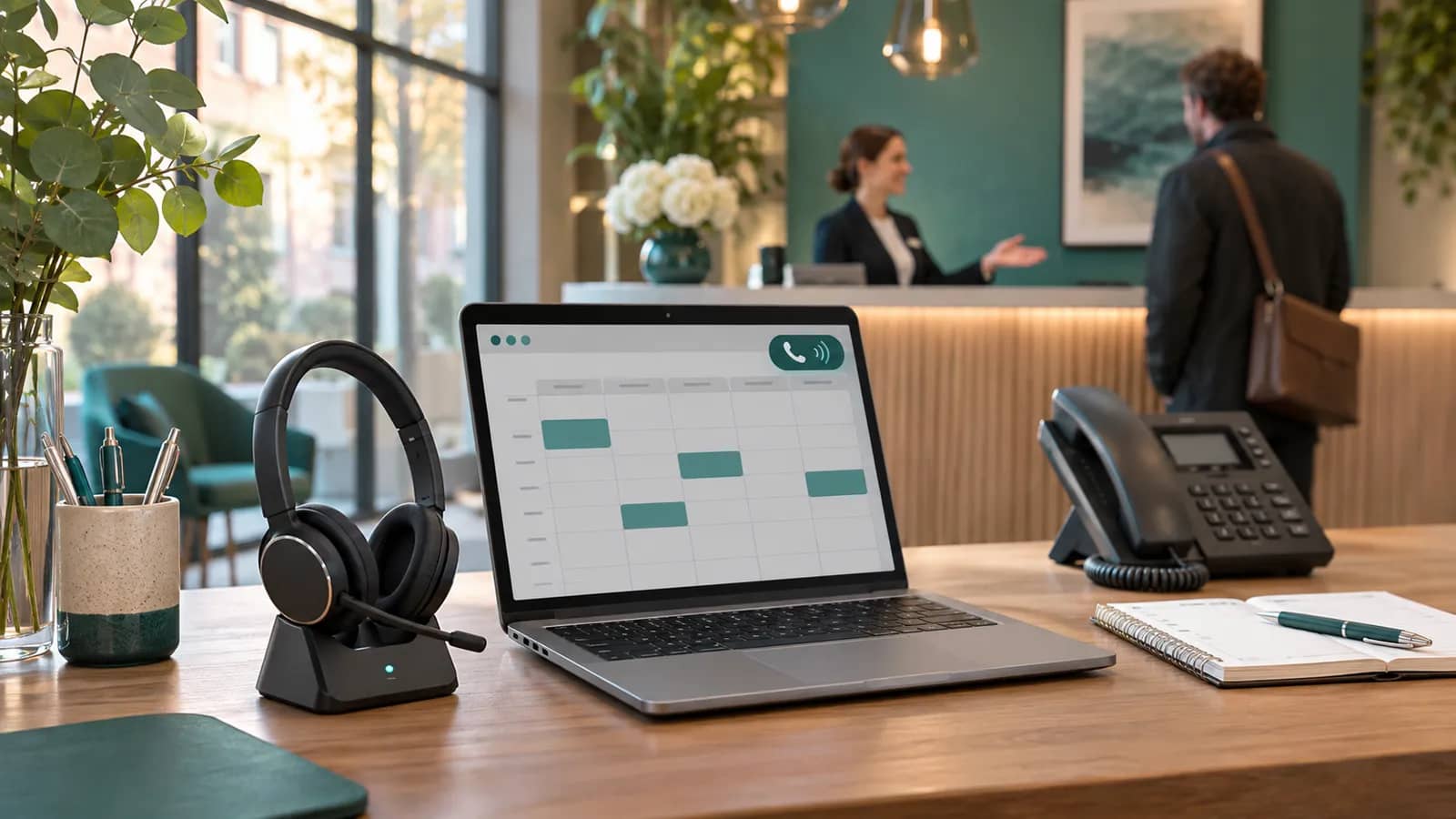
An AI voice agent for appointment booking can answer an incoming call, collect the details needed for a booking, check a connected calendar and record the outcome in a CRM. The important qualification is connected: a natural-sounding conversation does not establish that a slot is available or that a booking has been saved.
For a service business, the opportunity is practical. Someone calls while the team is with customers, between jobs or outside reception hours. A useful agent can complete a well-defined request or prepare a clear handover. A poorly integrated one can promise a slot that no longer exists, create duplicate contacts or leave staff searching through transcripts.
This guide is for businesses considering an AI receptionist for enquiries and appointments, rather than an outbound calling campaign.
Which calls should an AI receptionist handle first?
Choose a call type with a clear end point. Booking an initial consultation for a standard service is easier to define than negotiating a bespoke project. Agree what the agent can explain, what it must ask and when it should involve a person.
For example, a hypothetical maintenance company might let the agent arrange a routine service consultation. Urgent incidents, complaints, disputed charges and requests outside its service area go to staff. The agent should not quietly reinterpret an urgent request as an ordinary booking just to finish the conversation.
Start with one location, one appointment category and the languages the team can genuinely support. This gives you a manageable set of opening hours, service durations and escalation rules to test.
Calendar, CRM and telephony each have a different job
The integration needs a clear source of truth for each part of the call. A calendar manages availability; a CRM manages the customer relationship; the phone system manages the conversation and its transfer. Treating all three as a single chatbot feature makes failures harder to diagnose.
| System | What the agent needs | What to verify |
|---|---|---|
| Booking calendar | Available slots and permitted booking actions | Duration, buffers, location, time zone and conflicts |
| CRM | A way to find a contact and record the enquiry | Matching rules, required fields and duplicate handling |
| Business information | Current service details and operating rules | Named owner, review dates and limits on what can be promised |
| Telephony | Call routing and a route to a person | Transfer success, after-hours fallback and call outcome |
Some products already offer calendar actions. For example, Aircall documents a Calendly integration for its voice agent. That is a reason to check an existing platform before commissioning a custom connector, not evidence that every calendar or subscription supports the same actions.
A reliable booking needs confirmation from the system
A caller asks for Tuesday afternoon. The agent establishes which Tuesday, the service, location and relevant time zone, then queries the booking system. It offers a small number of valid options rather than reading out a long list.
After the caller chooses, availability should be checked again as part of creating or reserving the booking. Another staff member may have taken the slot during the conversation. Use the provider's supported reservation or conflict-handling mechanism; do not rely on the earlier availability response alone.
Only confirm success after the booking operation returns a successful result. Keep the booking reference and a concise record of what was agreed. If the request times out and its outcome is uncertain, check whether it succeeded before retrying. Otherwise a temporary connection problem can create two appointments.
If the calendar cannot be reached, an honest fallback is to capture a callback request. “Your request is with the team” and “your appointment is confirmed” must remain different outcomes.
Collect useful details without turning the call into a form
Ask for the information needed to complete the chosen task. For an initial consultation, that may be a name, contact number, service category and preferred slot. Ask the caller to confirm details that are easy to mishear, particularly a number or email address. An unfamiliar name should not become an excuse for repeated guessing.
Decide how contact matching works. A shared company phone number does not identify an individual, and an incoming number is not sufficient proof of identity for disclosing customer information. Where the match is ambiguous, create an enquiry for review instead of overwriting an existing contact.
A useful CRM entry contains the request, selected service, booking reference and follow-up owner. Staff should be able to understand the outcome without listening to the entire call. Avoid storing a full recording or transcript merely because the provider makes it available: agree the purpose, access, retention and caller information with the people responsible for the process.
Test interruptions and handover, not just a polished demo
Real callers pause, change their minds and interrupt. Test a caller correcting “Thursday” to “Tuesday” halfway through an answer, switching language, or asking for a person after providing their details.
Voice platforms expose different controls for conversational timing. Twilio's turn-detection documentation describes handling the end of a caller's turn and distinguishes it from interruption detection. Both deserve testing; a smooth sample greeting tells you little about either.
A handover must have an operational destination. Decide which team receives it, what happens if nobody answers and which context accompanies the call. Test the entire route with staff. A transfer that rings an unattended number is not a successful escalation.
What should you measure in a pilot?
Measure completed work, not how many conversations the agent can sustain. Keep these outcomes separate:
- Confirmed booking: the calendar has saved the intended appointment.
- Qualified callback request: the required details are captured and assigned to a person.
- Completed handover: the caller reached the intended team.
- Unresolved call: the request still needs attention or the caller abandoned it.
Track incorrect bookings, duplicate records, correction time and failed transfers alongside completion rates. Review examples across accents, background noise, availability conflicts and unavailable systems. Record the volume of eligible calls too: excluding difficult calls from the denominator can make an ineffective pilot appear successful.
For costs, include telephony, model or platform usage, integration, monitoring and staff review. Compare the cost per usable outcome with the current process. If staff spend longer fixing appointments than they previously spent taking calls, the workflow needs attention before expansion.
Off-the-shelf voice agent or a custom integration?
An existing product may be enough if it supports your calendar, required CRM actions, languages and handover rules. Ask to see those exact actions in a test environment rather than assuming that a familiar CRM logo means every workflow is supported.
Custom integration is more relevant when you have a specialist management application, multiple locations with different rules, or a booking process spanning several systems. The deliverable should include error handling, permissions, monitoring and a named maintenance owner—not just a prompt and a phone number.
Before discussing implementation, prepare your appointment rules, representative call scenarios, existing calendar and CRM, expected call volumes and escalation contacts. That gives a supplier enough context to assess feasibility without inventing a timeline or price.
Plan the next step around your business process
Mama Digital develops custom software and AI integrations for business workflows. If you are considering an AI voice agent, tell us about your booking process, including what staff must review and which tools hold the actual customer and appointment records.
You can also explore our custom business platforms. If the bottleneck is retyping incoming documents rather than answering calls, our guide to AI document processing and order drafts covers that separate workflow.